Apple’s desktop lineup has seen a resurgence in 2026. The Mac Mini received a new M6 chip and a focus on local AI, the Mac Studio now offers M5 Max and M5 Ultra options with unprecedented GPU power, while the iMac remains on the older M4 chip but still delivers solid performance for everyday use.
Key Takeaways
- The Mac Mini’s M6 model is $300 more expensive than its predecessor but delivers higher GPU performance and AI readiness.
- The Mac Studio’s M5 Ultra configuration exceeds $11,000, offers 256 GB of unified memory, and can run large LLMs entirely on‑device.
- The iMac still uses the M4 chip, starts at $1,499, and features a 4.5K IPS display with 8‑core GPU and 256 GB storage.
- Shipping for the M6 Mac Mini can be same‑day from an Apple Store, whereas the M5 Ultra Mac Studio may take up to four months.
| Metric | Value | Why it matters |
|---|---|---|
| Base Mac Mini price | $300 higher than previous model | Shows Apple’s shift from budget to performance focus. |
| Mac Studio M5 Ultra price | > $11,000 | Highlights the device’s target for high‑end professional workloads. |
| iMac starting price | $1,499 | Keeps the all‑in‑one affordable for mainstream users. |
| iMac GPU cores | 8‑core | Sufficient for everyday graphics tasks. |
Mac Mini: The Affordable Powerhouse
Apple’s Mac Mini now ships with either an M6 or an M5 Pro chip. The M6, the most popular choice, offers a significant GPU boost over the previous generation, making it suitable for video editing, design, and local AI workloads. The base configuration, while only a few hundred dollars cheaper than a similarly specced MacBook Air, still outperforms many Windows and Linux alternatives in terms of GPU performance and RAM density.
Memory upgrades are essential for AI enthusiasts who want the Mini to act as an always‑on, agentic AI box. Shipping for the M6 model can be same‑day from an Apple Store, whereas the M5 Pro may require up to four weeks. The M5 Pro, with up to 20 GPU cores, is aimed at professionals who run Final Cut Pro or DaVinci Resolve daily; hobbyists will likely find the M6 adequate.
Mac Studio: Pro‑Grade Performance
The Mac Studio comes in two main variants: the base M5 Max and the high‑end M5 Ultra. The M5 Max, identical to the chip in the MacBook Pro, delivers impressive GPU performance and supports up to 128 GB of unified memory—critical for heavy local AI models. However, configurations with 128 GB push the price beyond $5,000.
The M5 Ultra stitches two M5 Max dies together, effectively doubling performance in some tasks. In our tests, the Ultra ran foundation‑tier LLMs entirely on‑device, completing agentic tasks in minutes compared to five times longer on an M5 Max MacBook Pro. Gaming performance was also remarkable; Cyberpunk 2077 ran smoothly for the first time on a Mac. The Ultra configuration we tested cost over $11,000 and featured 256 GB of memory. Shipping for the M5 Max with 128 GB or more can take up to six weeks, while the Ultra may take up to four months.
iMac: The Classic All‑In‑One Still Relevant
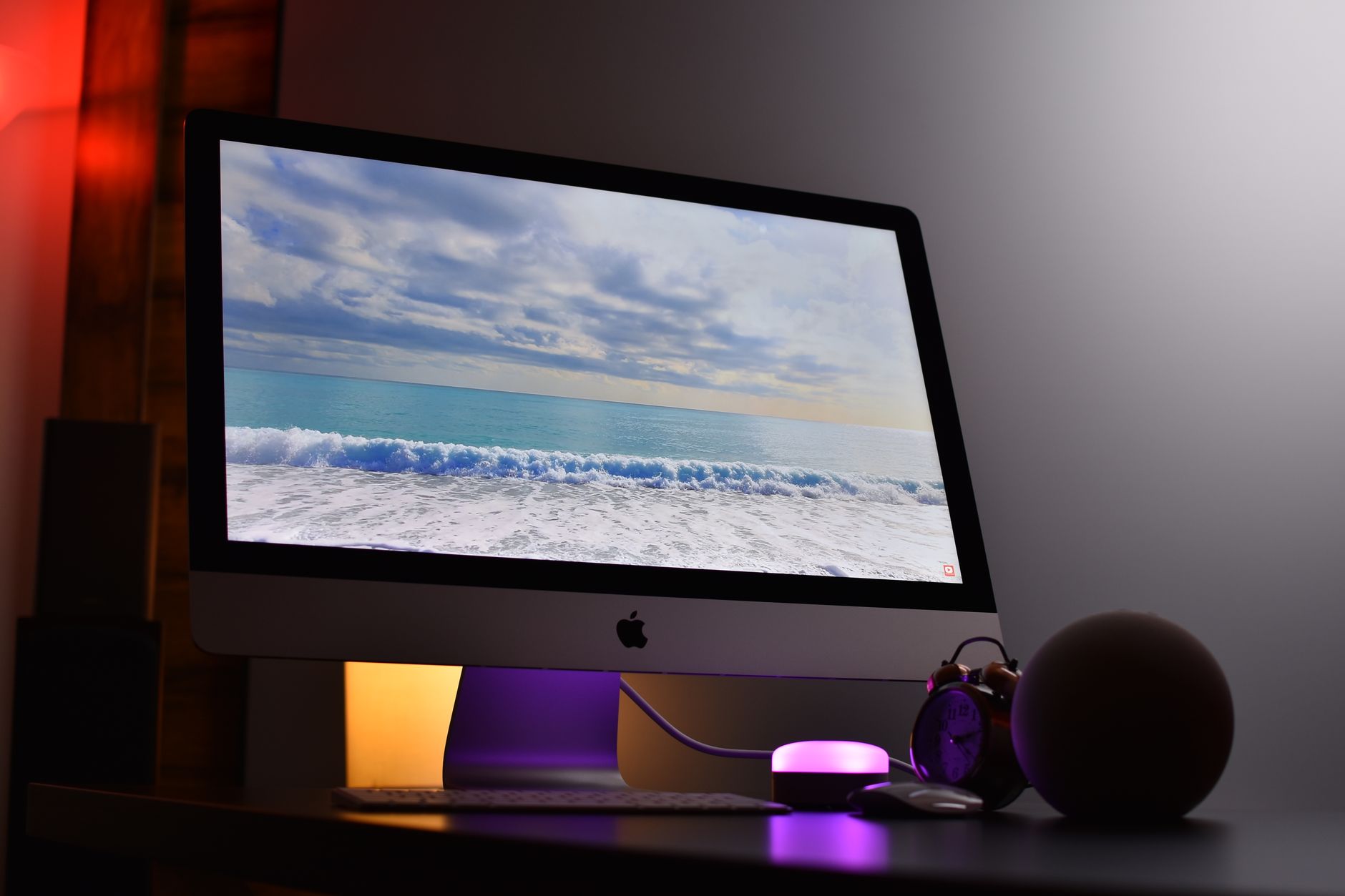
The iMac has not received a major update since 2024 and still runs the M4 chip. The base model starts at $1,499 and includes 16 GB of RAM, 256 GB of storage, an eight‑core GPU, two Thunderbolt 4 ports, and a 4.5K IPS display. A higher‑end M4 variant with a 10‑core GPU and four Thunderbolt 4 ports starts at $1,699. While the iMac’s performance remains solid, its age and lack of recent updates mean it is less compelling for users who need cutting‑edge GPU or AI capabilities.
Choosing the Right Desktop for Your Workflow
For users who need a compact, AI‑ready machine with decent GPU performance, the Mac Mini M6 offers the best balance of price and capability. Professionals who require the highest GPU throughput and massive memory for AI or 3D workloads should consider the Mac Studio M5 Max or M5 Ultra, accepting the higher cost and longer shipping times. The iMac remains a viable option for students, families, or light content creators who value an integrated display and affordable price point.
Why it matters
Apple’s desktop strategy reflects a shift toward local AI and high‑performance graphics. The new chips bring GPU power that rivals high‑end Windows workstations, while the Mini’s compact form factor and the Studio’s modularity cater to distinct professional needs. Understanding these options helps users align hardware choices with evolving software demands, from machine learning to immersive media creation.
Frequently Asked Questions
What is the price difference between the Mac Mini M6 and the previous generation?
The M6 model is $300 more expensive than the earlier Mac Mini, reflecting its upgraded specs and AI focus.
How long does it take to ship a Mac Studio with 128 GB of memory?
Shipping can take up to six weeks for the M5 Max configuration with 128 GB or more.
Does the iMac still support the latest macOS features?
While the iMac runs the M4 chip and is still compatible with current macOS releases, it has not received a major hardware update since 2024.
Can the Mac Mini run large language models locally?
With sufficient memory upgrades, the M6 Mac Mini can run foundation‑tier LLMs on‑device, offering a privacy‑friendly AI solution.
What is the maximum GPU core count available in the Mac Studio?
The M5 Ultra configuration can reach double the GPU performance of the M5 Max, effectively providing up to 40 GPU cores in practice.
Bottom Line
If you need a compact, AI‑ready machine, the Mac Mini M6 is the most balanced choice. For professionals demanding extreme GPU performance and massive memory, the Mac Studio M5 Max or M5 Ultra is the clear winner, though at a premium price and longer wait times. The iMac remains a solid, all‑in‑one option for everyday users who value an integrated display and affordability, but it lags behind the newer desktops in raw power and AI readiness.
Reporting based on: original source.
Comments
Post a Comment