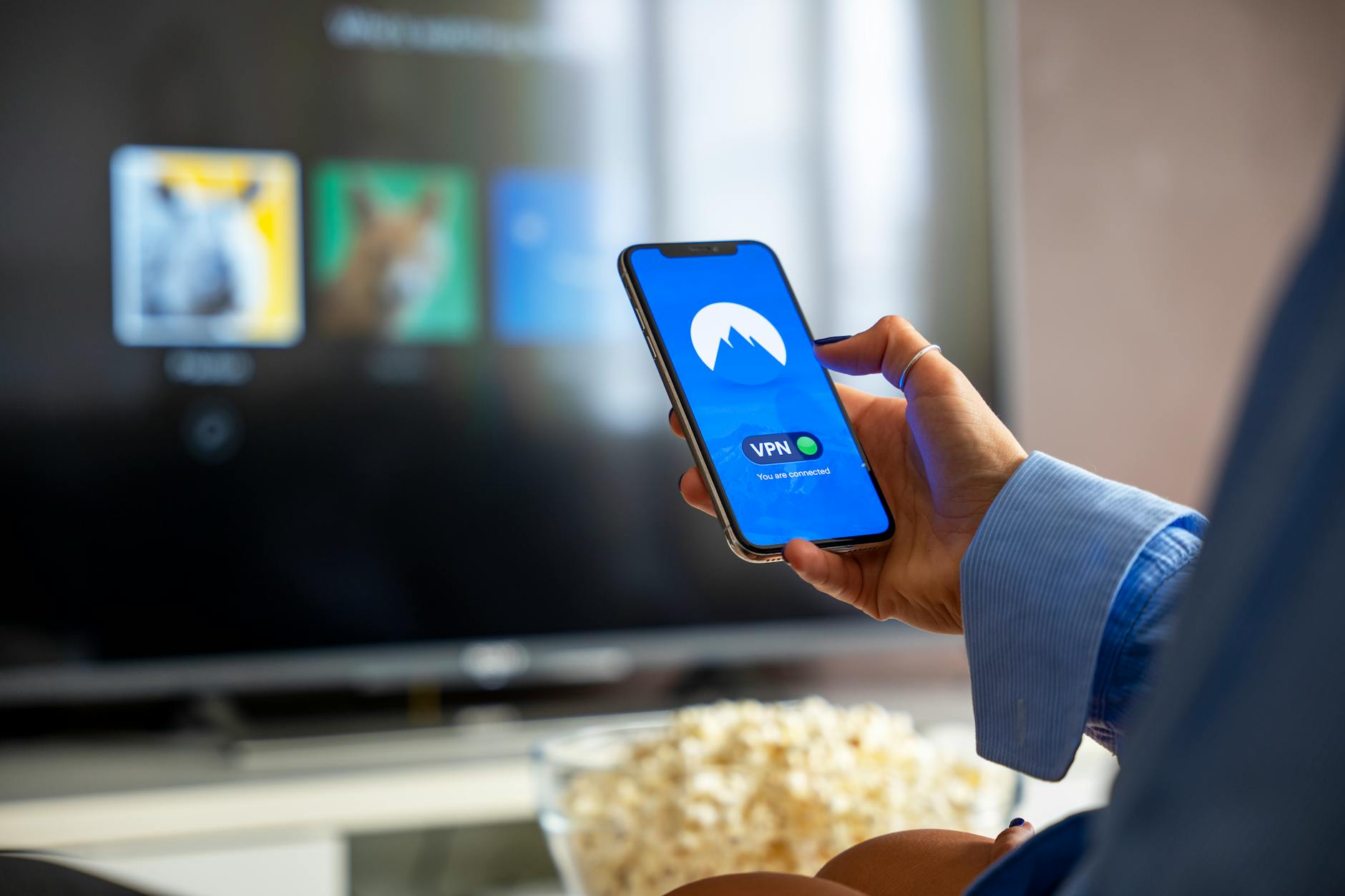
Smartphones can serve as remote controls for smart TVs, and the functionality is delivered through two primary pathways: built‑in infrared (IR) blaster applications on select Android devices, and official or third‑party companion apps that operate over Wi‑Fi or Bluetooth connections.
Key Takeaways
- Smartphones can replace traditional TV remotes.
- IR‑blaster apps work on Android phones that include the hardware.
- Companion apps communicate via Wi‑Fi or Bluetooth, regardless of hardware.
| Metric | Value | Why it matters |
|---|---|---|
| Control method | Built‑in IR blaster app (Android only) | Emits infrared signals directly to the TV, mimicking a physical remote. |
| Control method | Companion app over Wi‑Fi/Bluetooth | Uses network or Bluetooth to send commands, eliminating the need for IR hardware. |
| Device requirement | Android phone with IR hardware | Necessary only for the infrared approach. |
Understanding the Smartphone‑as‑Remote Concept
The idea of turning a handheld device into a TV controller hinges on two distinct technologies. The first leverages a physical IR emitter that many older Android phones integrated for universal‑remote purposes. The second abstracts the remote function into software that talks to the TV over a local network or a short‑range Bluetooth link. Both pathways translate user input—taps, swipes, or voice commands—into the command set that a TV expects.
Infrared Blaster Apps: Direct Line‑of‑Sight Control
When a phone includes an IR blaster, the operating system typically offers a pre‑installed app that can be configured with TV codes. The app modulates the IR LED to emit pulses matching the TV’s proprietary protocol. Because infrared requires an unobstructed line of sight, the phone must be pointed at the television, just as with a traditional remote. This method works independently of Wi‑Fi availability and does not rely on the TV’s network stack.
Companion Apps Over Wi‑Fi and Bluetooth
The alternative approach sidesteps hardware constraints by using the TV’s built‑in network interfaces. Official companion apps are released by TV manufacturers and are pre‑configured for their hardware. Third‑party apps, often found in app stores, broaden compatibility by supporting multiple brands and offering additional features such as voice search or content recommendations. These apps discover the TV on the same Wi‑Fi subnet or pair via Bluetooth, then transmit commands as API calls or Bluetooth HID (Human Interface Device) packets.
Choosing Between IR and Network‑Based Remotes
The decision rests on device capabilities and user environment. If the phone possesses an IR blaster, the infrared route provides a plug‑and‑play experience that works even when the home network is down. Conversely, network‑based apps deliver richer interactions—such as on‑screen keyboards, media browsing, and integration with smart‑home ecosystems—without requiring line‑of‑sight positioning.
Limitations and Practical Considerations
IR control is limited to the command set encoded in the TV’s infrared protocol; advanced features like voice control or app launching may be unavailable. Wi‑Fi/Bluetooth solutions depend on a stable local network and may encounter latency or pairing hurdles, especially on older TV models that lack robust network stacks. Security‑wise, any app that communicates over the network should be vetted for proper authentication to avoid unauthorized control.
Why It Matters
Consolidating the TV remote into a smartphone reduces the number of physical devices on a coffee table, streamlines the user interface, and opens the door to unified voice assistants and cross‑device automation. As smart TVs continue to integrate deeper with home ecosystems, the ability to control them from a single, always‑present device becomes a practical convenience and a stepping stone toward more seamless IoT experiences.
Frequently Asked Questions
Can any smartphone act as a TV remote?
Only smartphones that either include an IR blaster (primarily certain Android models) or can run a companion app capable of Wi‑Fi/Bluetooth communication can serve as remotes.
What hardware is required for the IR blaster method?
The phone must have a built‑in infrared emitter; the method does not depend on network connectivity.
Do Wi‑Fi or Bluetooth companion apps work with all TV brands?
Official apps are brand‑specific, while third‑party apps aim for broader compatibility, but success depends on the TV’s support for network‑based remote commands.
Are there security concerns with network‑based remote apps?
Since commands travel over the local network or Bluetooth, using apps from reputable sources and ensuring proper authentication helps mitigate unauthorized access.
Which method offers the most features?
Network‑based companion apps typically provide richer functionality, such as on‑screen keyboards and integration with streaming services, whereas IR offers basic control without network reliance.
Bottom Line
Smartphones can replace traditional TV remotes through either an IR blaster app on compatible Android devices or through official and third‑party companion apps that operate over Wi‑Fi or Bluetooth. The IR route offers a straightforward, network‑independent solution for devices that include the hardware, while network‑based apps unlock advanced features and broader brand support at the cost of requiring a stable connection.
As TV platforms evolve, the convergence of remote control into a single mobile device is likely to become the default interaction model, simplifying the living‑room experience and paving the way for deeper smart‑home integration.
Reporting based on: original source.
Comments
Post a Comment