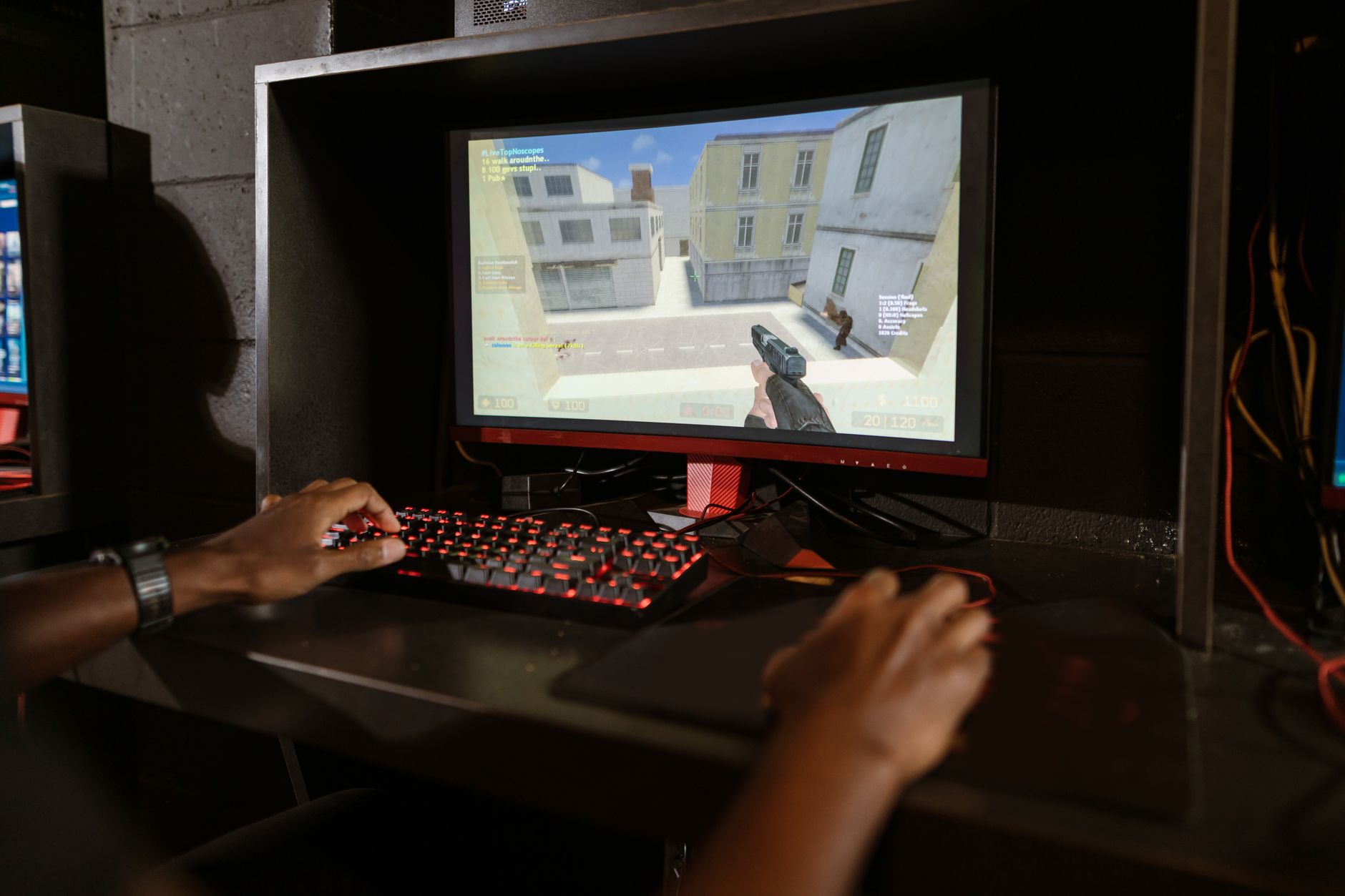
A recent guide shows PC gamers can boost frames‑per‑second (FPS) on modest‑spec machines by tweaking in‑game settings and leveraging NVIDIA’s AI‑upscaling features, aiming for smoother 60 fps or even 120 fps without the expense of a new GPU or additional RAM. The article highlights that ray tracing dramatically reduces performance, prompting users to rely on software solutions instead of hardware upgrades.
Key Takeaways
- DLSS Quality mode renders roughly two‑thirds of native pixels, while Ultra Performance cuts that to one‑third.
- DLSS 4.5 Multi‑Frame Generation can push FPS beyond 200 in a demanding 4K title.
- Disabling ray tracing and other GPU‑intensive effects yields immediate frame gains on low‑end rigs.
| Metric | Value | Why it matters |
|---|---|---|
| DLSS Quality preset pixel coverage | 66.7 % of native pixels | Balances visual fidelity with a noticeable FPS lift. |
| DLSS Ultra Performance pixel coverage | 33 % of native pixels | Maximizes frame rates at the cost of sharper detail. |
| DLSS 4.5 Multi‑Frame Generation output | Upwards of 200 fps in Cyberpunk 2077 at 4K | Shows the potential of AI‑driven upscaling even on demanding titles. |
Understanding the Software Levers
The guide’s core premise is that software adjustments—particularly NVIDIA’s Deep Learning Super Sampling (DLSS) presets—can reclaim lost performance. DLSS Quality mode retains 66.7 % of the original pixel count, delivering a middle ground where textures stay recognizable while the GPU processes fewer fragments. Ultra Performance pushes the reduction further to 33 %, which is ideal for titles where frame rate outweighs crispness.
Multi‑Frame Generation: The New FPS Engine
DLSS 4.5 introduces Multi‑Frame Generation, a technique that synthesizes additional frames from a single rendered frame using a temporal AI model. In the benchmarked scenario of Cyberpunk 2077 at native 4K resolution, this approach can exceed 200 fps, effectively multiplying the base frame output by six. The result is a fluid experience that would otherwise demand a top‑tier graphics card.
Practical Settings Tweaks Beyond DLSS
While DLSS provides the biggest single‑digit gains, the article also advises disabling ray tracing—a known performance killer—and scaling back other GPU‑heavy effects such as ambient occlusion, motion blur, and high‑resolution shadows. These changes, combined with a lower resolution or dynamic resolution scaling, can push modest PCs into the 60–120 fps sweet spot without any hardware spend.
Why It Matters for the Average Gamer
For players who cannot justify a new GPU or additional RAM, the described software path offers a cost‑free route to smoother gameplay. Achieving stable 60 fps or higher translates directly into reduced input lag and a more responsive feel, especially in fast‑paced shooters or competitive titles. Moreover, the ability to run demanding games at 4K with AI‑upscaled frames expands visual options for users with limited budgets.
Context: The Performance Cost of Ray Tracing
Ray tracing simulates realistic light behavior but does so by dramatically increasing the number of calculations per frame. On modest GPUs, enabling ray tracing can halve the achievable FPS, making it an impractical choice for those seeking high frame rates without upgrading hardware. The guide therefore recommends turning it off unless the system already exceeds the performance threshold.
Why It Matters
Understanding and applying these software techniques empowers gamers to extend the life of existing rigs, delaying costly upgrades while still enjoying modern visual standards. As AI‑driven upscaling continues to evolve, the gap between high‑end and budget hardware narrows, reshaping the performance landscape for PC gaming.
Frequently Asked Questions
What is NVIDIA DLSS and how does it affect FPS?
DLSS is an AI‑based upscaling technology that renders a lower‑resolution image and then reconstructs it to the target resolution, reducing the workload on the GPU and thereby increasing FPS.
How does the DLSS Quality preset differ from Ultra Performance?
The Quality preset renders 66.7 % of native pixels, offering a balance between image clarity and speed, while Ultra Performance renders only 33 % of native pixels, prioritizing maximum frame rates.
Can I really hit 200 fps in Cyberpunk 2077 without a new GPU?
Using DLSS 4.5 Multi‑Frame Generation, the guide reports that upwards of 200 fps is achievable at 4K, thanks to a six‑fold frame multiplication, even on hardware that would otherwise struggle.
Why should I disable ray tracing on a modest‑spec PC?
Ray tracing consumes a large portion of GPU resources, acting as an absolute performance killer that can prevent the system from reaching smooth 60 fps or higher.
What other settings can I tweak to improve FPS?
Lowering resolution, turning off ambient occlusion, motion blur, and high‑resolution shadows, and using dynamic resolution scaling are all recommended adjustments that complement DLSS.
Bottom Line
By leveraging NVIDIA’s DLSS presets—66.7 % pixel coverage for Quality and 33 % for Ultra Performance—and the Multi‑Frame Generation boost that can exceed 200 fps in demanding titles, gamers can achieve smooth 60–120 fps gameplay on modest PCs without purchasing new hardware, provided they also disable ray tracing and trim other GPU‑intensive effects.
Reporting based on: original source.
Comments
Post a Comment