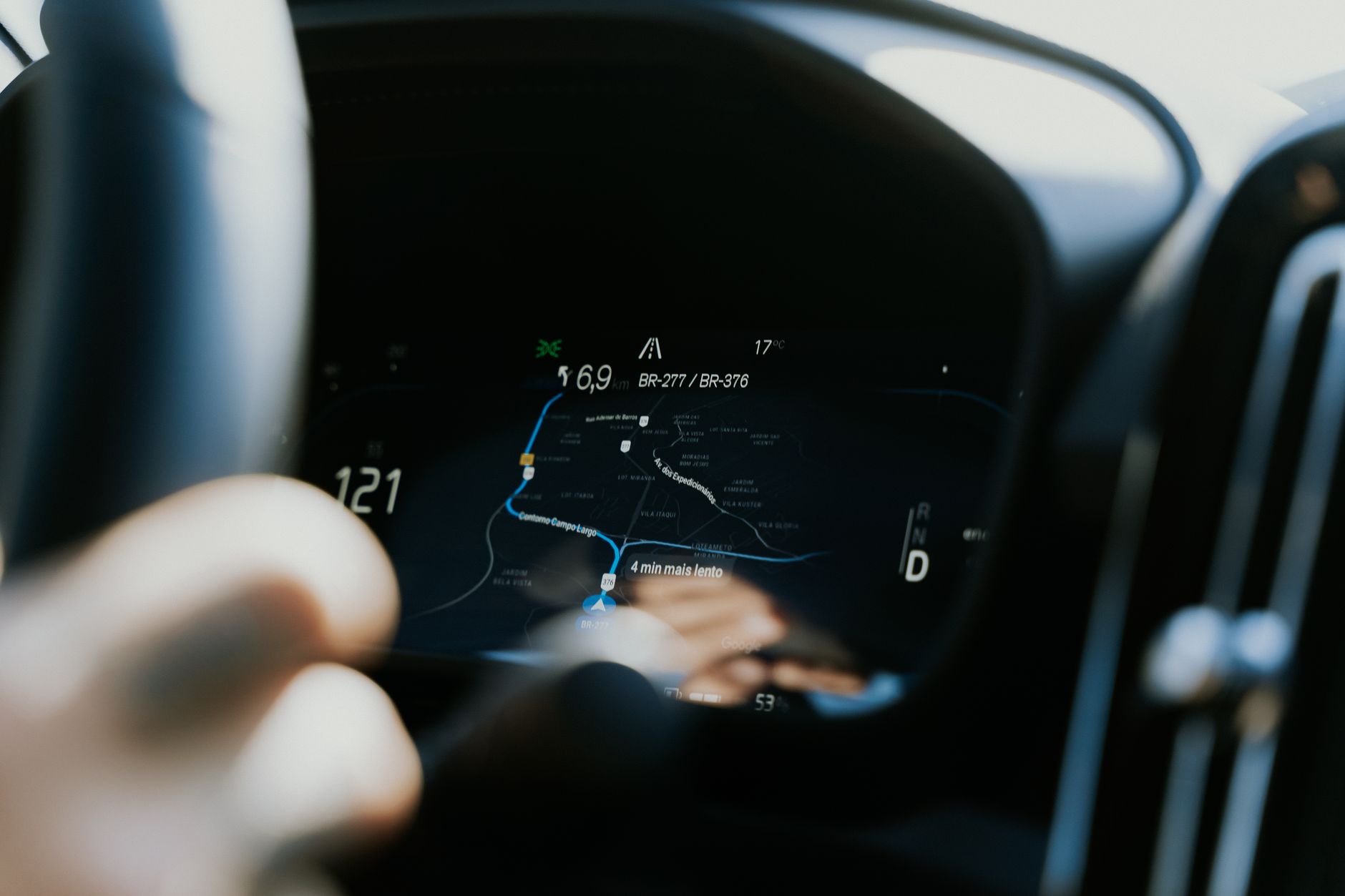
Google’s Android Auto is introducing a redesigned place card that aims to surface more destination details directly on the infotainment screen, allowing drivers to complete more of their trip planning without reaching for their phones.
Key Takeaways
- The place card UI in Android Auto is being refreshed.
- The redesign is intended to keep a larger share of trip‑research tasks inside the car’s display.
- By reducing phone interaction, the change could improve driver focus and streamline navigation setup.
| Metric | Value | Why it matters |
|---|---|---|
| Feature | Redesigned place card | Shows more destination info without leaving Android Auto. |
| Goal | Keep trip research off the phone | Reduces driver distraction and streamlines workflow. |
| Platform | Android Auto | Google’s in‑car interface for Android devices. |
What the redesigned place card is meant to do
Android Auto’s place card is the visual element that appears when a driver selects a point of interest—such as a restaurant, gas station, or landmark. The upcoming redesign expands the amount of information displayed, so users can confirm details like address, operating hours, or rating without opening a separate app on their phone. By consolidating these data points, the system aims to keep the driver’s attention on the road while still providing the context needed to start a navigation session.
How the change alters the driver’s workflow
Under the current flow, many drivers tap a suggestion on Android Auto, then glance at their phone to verify specifics before confirming the route. The new place card reduces that back‑and‑forth by presenting the same verification data within the car’s display. In practice, a driver can browse multiple options, compare key attributes, and launch navigation with a single tap, all while the phone remains in the pocket.
Technical considerations behind the redesign
Implementing a richer UI on an infotainment screen involves balancing visual clarity with the limited processing power of head‑unit hardware. Android Auto relies on a lightweight rendering pipeline that streams UI elements from the connected phone over USB or wireless. The redesign therefore likely leverages existing SDK components—such as the Car App Library—to fetch and cache place details ahead of time, minimizing latency when the driver opens the card.
Potential safety and usability impact
Reducing the need to handle a phone while driving aligns with broader safety guidelines that discourage visual distraction. By keeping more trip research on the car’s screen, the redesign could lower the frequency of glances away from the road. However, the benefit depends on how intuitively the expanded card presents information; overly dense layouts could counteract the intended safety gain.
How this fits into Android Auto’s broader evolution
Android Auto has steadily added features that bring smartphone capabilities into the vehicle, from media playback to voice‑driven messaging. The place‑card refresh continues that trajectory, emphasizing a more self‑contained navigation experience. It also mirrors trends in competing platforms that aim to minimize phone reliance, suggesting a market‑wide push toward tighter integration between mobile operating systems and in‑car interfaces.
Why it matters
For drivers who rely on Android Auto for daily commutes or road trips, the redesign promises a smoother, less fragmented planning process. By keeping destination details on the dashboard, the system reduces the cognitive load associated with switching devices, potentially improving both convenience and safety. Developers of navigation‑related Android apps will also need to adapt to the new UI guidelines to ensure their services are displayed correctly within the refreshed place card.
Frequently asked questions
What exactly is changing in the place card?
The visual layout is being updated to show more destination information—such as address, hours, and ratings—directly on Android Auto’s screen, eliminating the need to open a phone app for verification.
Will this affect all Android Auto users immediately?
The redesign will roll out through software updates to compatible head‑unit hardware. Users will see the new card once their system receives the update.
Does the change require a newer phone or Android version?
Because the UI is rendered on the car’s display but sourced from the phone, the update may depend on the phone running a recent Android version that supports the latest Car App Library.
How does this impact third‑party navigation apps?
Third‑party apps will need to supply the additional data fields that the refreshed place card expects, ensuring their points of interest appear correctly within Android Auto.
Is driver safety the main driver behind this redesign?
Yes. By reducing the need to handle a phone for trip research, the change aims to keep drivers’ eyes on the road and hands on the wheel.
Bottom Line
Android Auto’s redesigned place card consolidates more destination details on the car’s display, letting drivers complete trip research without reaching for their phones. The move streamlines navigation setup, aligns with safety goals, and signals a continued push toward deeper integration of mobile services within the vehicle ecosystem.
Reporting based on: original source.
Comments
Post a Comment