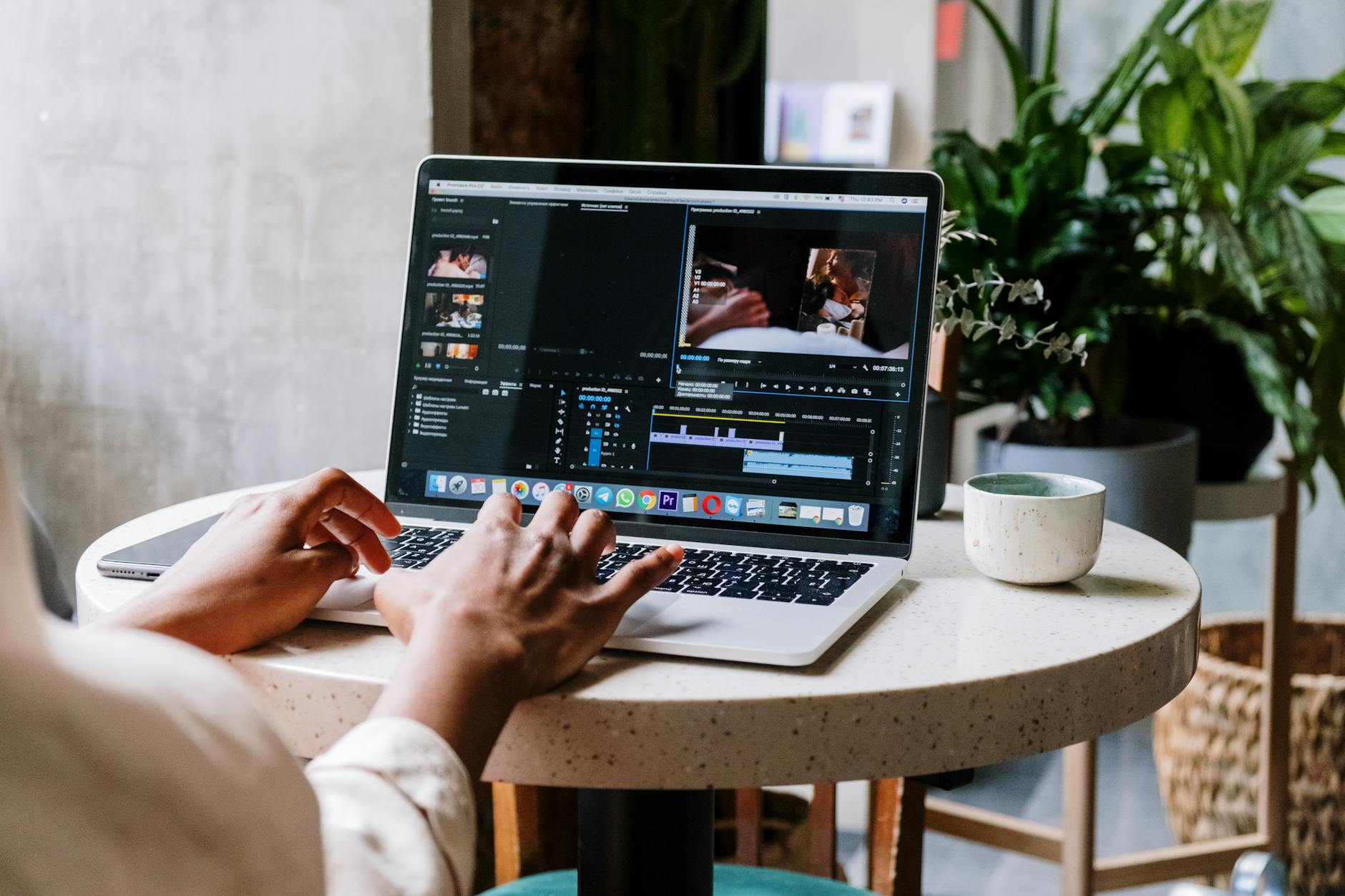
Adobe has launched a mobile version of Premiere for Android, now live on the Google Play Store and offered at no cost for most users. The globally‑available app runs on almost all Android devices and supports export resolutions up to 4 K with an unrestricted number of video tracks.
Key Takeaways
- Adobe’s Premiere for Android arrives free on the Google Play Store.
- The app fills a long‑standing gap in Android’s native video‑editing tools.
- Export quality reaches 4 K and users can add unlimited video tracks.
- It defaults to the portrait 16:9 format used by YouTube Shorts, but aspect ratios are adjustable.
- Features include unlimited track import, trimming, splitting, effects, audio extraction, noise reduction and voice‑over.
| Metric | Value | Why it matters |
|---|---|---|
| Product | Adobe Premiere for Android | Brings Adobe’s desktop‑class editing to mobile. |
| Platform | Android (global Play Store) | Makes advanced editing accessible on a wide range of devices. |
| Cost | Free (mostly) | Lowers barrier for creators without subscription fees. |
| Export resolution | Up to 4 K | Supports high‑quality output for professional‑grade content. |
| Video‑track limit | Unlimited | Enables complex multi‑layer projects on mobile. |
What the new Android Premiere offers
The app delivers a suite of editing tools that were previously confined to desktop or iOS environments. Users can import an unlimited number of tracks, trim clips, split footage, apply visual effects, extract audio, reduce background noise, and record voice‑overs—all from a handheld device.
Interface design for diverse form factors
On standard smartphones the timeline resides at the bottom of the screen while the preview pane sits above it. Foldable devices shift the timeline to the right of the video, and a layout toggle lets creators place a widescreen preview above an expanded timeline. The split between preview and timeline is also adjustable, giving flexibility for both portrait and landscape workflows.
Targeting the Shorts‑first creator
Premiere for Android defaults to a portrait 16:9 aspect ratio, aligning with YouTube Shorts’ preferred format. Creators can still switch to other ratios, but the preset streamlines the production of vertical short‑form videos directly from the device.
How it compares to Premiere Rush
Adobe positions the new app as a “big step up” from the soon‑to‑be‑retired Premiere Rush, offering a broader feature set and higher export resolution while retaining a mobile‑first workflow.
Context: Android’s video‑editing landscape
Historically, Android users have lacked a robust native editor, with Apple’s iMovie dominating the iOS side. Adobe’s entry addresses that imbalance, providing a professional‑grade solution that competes with the limited options previously available on the platform.
Why it matters
By delivering a free, feature‑rich editor to Android, Adobe expands its ecosystem to the world’s largest mobile OS, empowering creators who rely on Android hardware for on‑the‑go production. The combination of unlimited tracks, 4 K export, and Shorts‑optimized defaults could shift content‑creation workflows away from desktop‑only pipelines and encourage more mobile‑first storytelling.
Frequently asked questions
Is Adobe Premiere for Android really free?
The app can be downloaded from the Google Play Store at no cost for most users, though the source notes the qualifier “mostly.”
Which devices can run the new Premiere app?
It is available globally for almost all Android devices that can access the Google Play Store.
What export quality does the app support?
Users can export videos up to 4 K resolution.
Can I edit multi‑track projects on my phone?
Yes, the app imposes no explicit cap on the number of video tracks.
Does the app cater to YouTube Shorts creators?
The default output is a portrait 16:9 format, matching the YouTube Shorts specification, though other aspect ratios are selectable.
Bottom Line
Adobe’s free Android Premiere brings desktop‑level editing capabilities—including unlimited tracks, 4 K export, and a Shorts‑first workflow—to a platform that previously lacked a comprehensive solution, marking a significant expansion of Adobe’s mobile ecosystem.
Reporting based on: original source.
Comments
Post a Comment