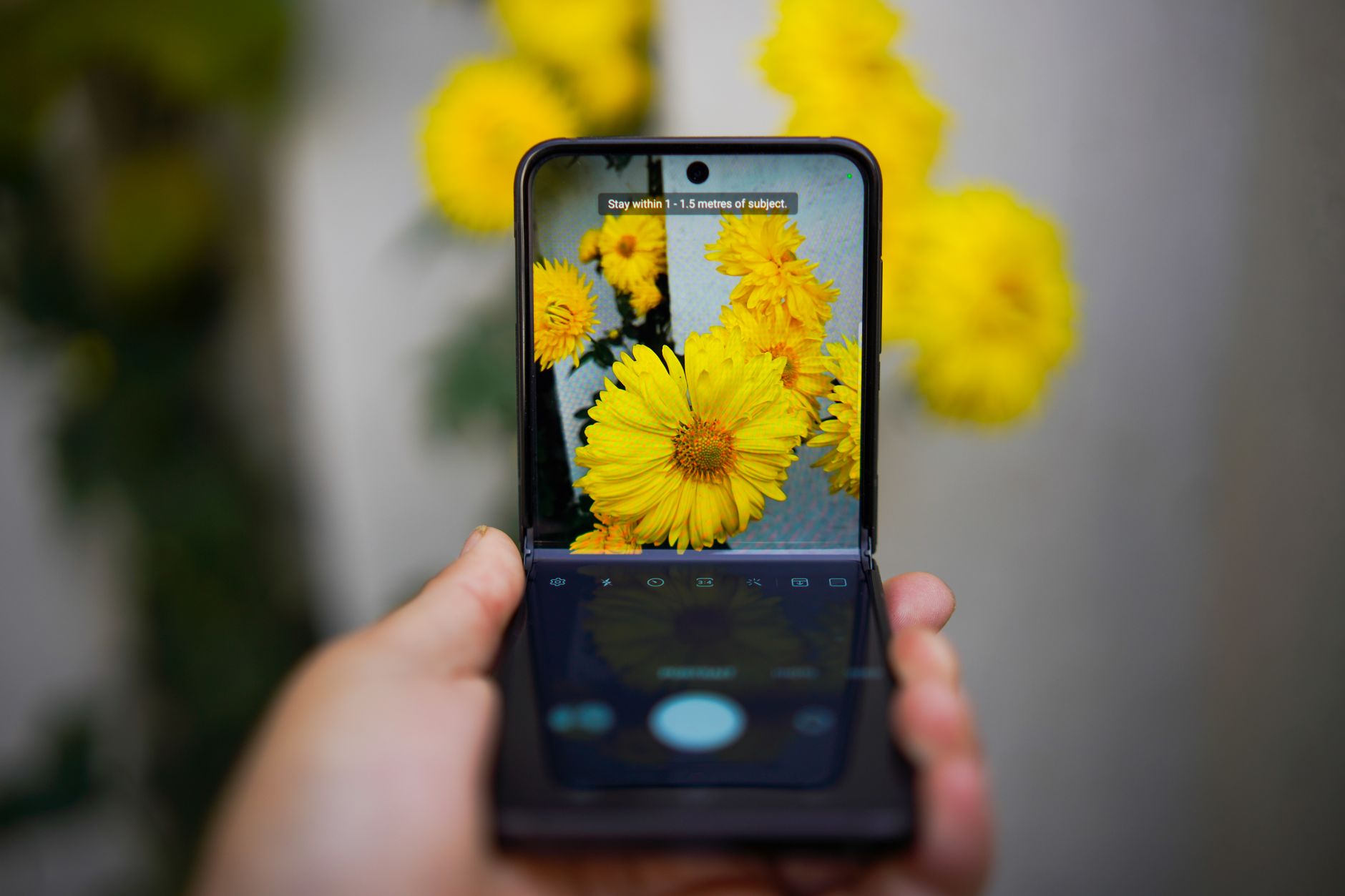
Google previewed a new multitasking feature called “App Handles” in a recent Canary build, and the feature ships on the Pixel 11 Pro Fold, extending Android’s existing Bubbles system.
Key Takeaways
- Google introduced “App Handles” in a Canary preview.
- The feature is available on the Pixel 11 Pro Fold.
- It builds on Android’s Bubbles multitasking framework.
- App Handles acts as a dock for floating‑window apps locked to the far bottom‑right corner.
| Metric | Value | Why it matters |
|---|---|---|
| Feature name | App Handles | Signals a new dock‑style multitasking approach. |
| Device | Pixel 11 Pro Fold | First Google flagship to ship the feature. |
| Underlying system | Android Bubbles | Leverages an existing UI paradigm for consistency. |
| Preview channel | Canary build | Early access for developers and enthusiasts. |
What is “App Handles”?
App Handles is a multitasking addition that creates a persistent dock for floating‑window applications. The dock is anchored to the far bottom‑right corner of the screen, keeping selected apps readily accessible while the user works in other contexts.
How it works on the Pixel 11 Pro Fold
On the Pixel 11 Pro Fold, the dock appears as a small bar that houses the floating windows. Because the dock is locked to a corner, it remains visible regardless of the foldable’s orientation or screen size, offering a consistent entry point for secondary tasks.
Integration with Android Bubbles
Google built App Handles on top of the Bubbles system that debuted in earlier Android releases. By reusing Bubbles’ underlying architecture, the new dock inherits familiar gestures and notification handling while extending the concept to a dedicated corner‑based space.
Context: Android multitasking evolution
Bubbles originally allowed apps to float as chat‑style overlays. App Handles pushes the idea further by providing a structured dock, a step toward more desktop‑like window management on foldable hardware. The feature’s debut in a Canary build suggests Google is gathering real‑world feedback before a wider rollout.
Why it matters
For foldable users, managing multiple apps across a flexible display has been a usability challenge. By anchoring floating windows to a fixed corner, App Handles reduces visual clutter and simplifies task switching. The approach also hints at how Google may continue to blend mobile and desktop multitasking paradigms on future devices.
Frequently asked questions
What does “App Handles” do?
It provides a corner‑locked dock for floating‑window apps, keeping them accessible while other apps occupy the main screen.
Which device receives the feature?
The Pixel 11 Pro Fold ships with App Handles pre‑installed.
How is App Handles different from standard Bubbles?
While Bubbles float freely, App Handles anchors the windows to a specific corner, creating a persistent dock rather than a loose overlay.
Can developers test App Handles today?
Yes, the feature is available in the latest Canary build, allowing developers to experiment and provide feedback.
Bottom Line
App Handles adds a corner‑based dock for floating apps on the Pixel 11 Pro Fold, extending Android’s Bubbles framework and offering a more organized multitasking experience for foldable users.
Reporting based on: original source.
Comments
Post a Comment